Download VK Videos For Free Online
Full Free
AnyDownloader It’s a completely free video downloader and converter from VK. Enjoy watching videos with unlimited use.
Simple, Secure & Fast
The download process is very simple. Just copy and paste the desired VK video URL, then click the download button.
Unlimited Video Download
There are no restrictions on downloading videos from VK! Download and save as many of your favorite videos as you want.
No Registration Required
You don’t need to create a user account or install an app to download videos from VK.
Compatibility
We support all devices No matter what device or operating system you use. All you need is a web browser.
High-Speed Download
Download VK videos at high speed without any speed limit for free and save your time!
How to Download VK Videos Online?
How to use VK Video Downloader and enjoy your favorite content offline, fast, easy and free! Just follow three steps to download online videos.
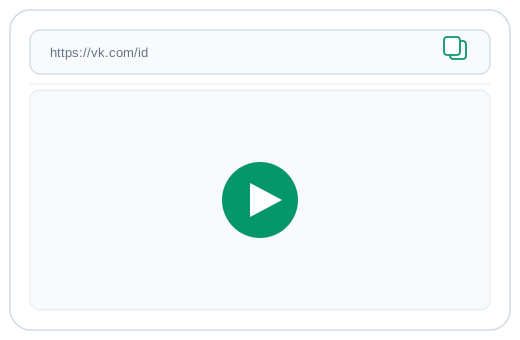
1. Copy the VK Video Link
Open VK and find the video you want to download. Copy the video URL from the address bar or share button.
2. Paste the Link
Go to our VK Video Downloader website and paste the copied link into the download box. Then click the Download button.

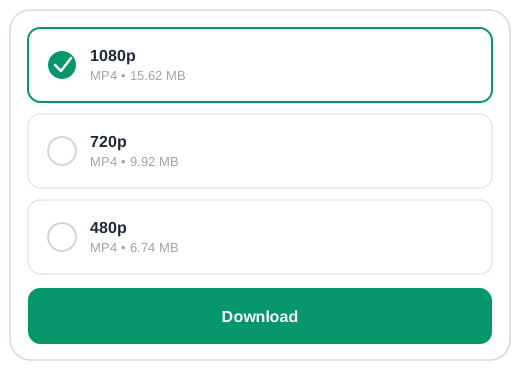
3. Save the Video
Select your preferred quality and save the video to your device.
Free VK Video Downloader
Vkontakte (or VK, for short) is Russia’s most popular social network, second only to Facebook. There are more than 600 million users who communicate, upload content and download music, videos and photos. The problem is that most of that content can’t be saved in your personal collection unless you screenshot it – which isn’t exactly ideal for those with spotty internet connections. The solution? AnyDownloader allows you to download any videos on VK. It works easily, too: Just copy a link from your browser or app by click copy link and then paste it into AnyDownloader and click download. From there, choose a format and quality setting before letting it do its magic!